
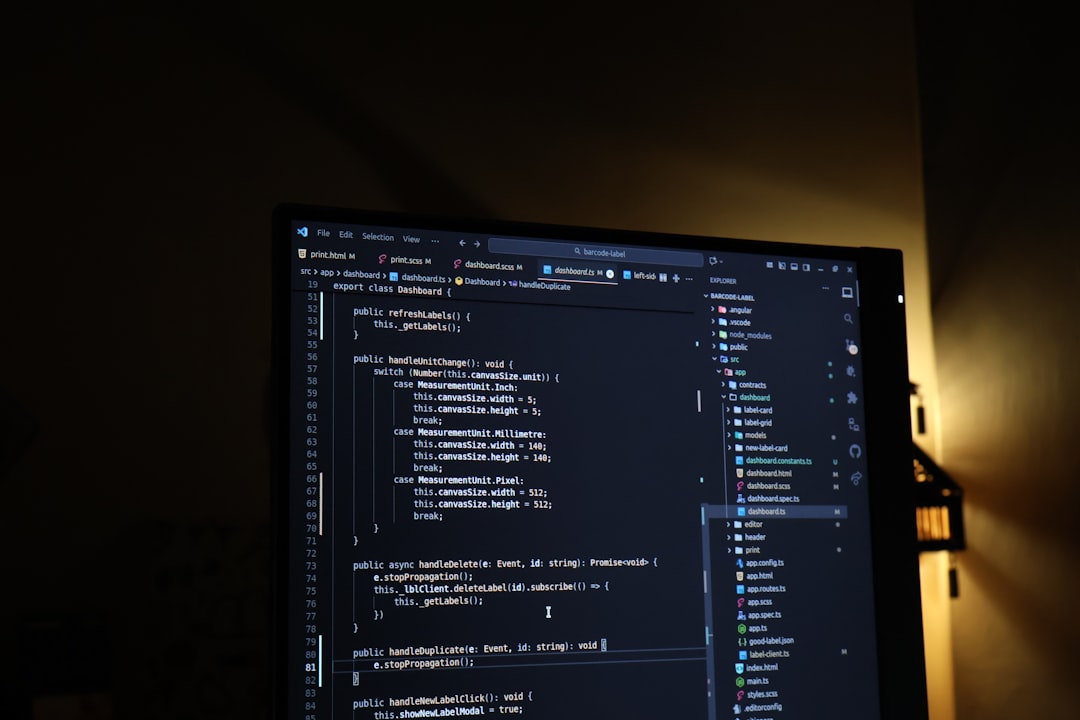
Google Antigravity has been open in my second monitor for two weeks now, running alongside the Claude Code session I actually use to ship work. The point wasn’t to migrate — it was to see what a Gemini 3.1 Pro–powered agent IDE feels like in a real solo consultant’s week, and where it earns a slot. Google Antigravity shipped on November 18, 2025 as a fork of VS Code with an “agent-first” paradigm, and the May 2026 build is still free in public preview with no announced usage caps. Here are the four signals from running it beside my existing Claude Code stack — what landed, what didn’t, and the call I’m making after the first fortnight.
In this article
- What Google Antigravity ships with in May 2026
- Signal 1: where Google Antigravity beats Claude Code
- Signal 2: where it hits a wall for solo work
- Signal 3: the Manager view — useful or overkill?
- Signal 4: what I’m keeping in rotation
What Google Antigravity ships with in May 2026
Google Antigravity is not a VS Code extension. It’s a full IDE built on a fork of Visual Studio Code, released alongside Gemini 3 in late 2025 and updated heavily through Q2 2026. The default model is Gemini 3.1 Pro for sustained reasoning and Gemini 3 Flash for quick edits, but Antigravity also supports Anthropic’s Claude Sonnet 4.6 and Claude Opus 4.6 plus an open-source variant of OpenAI’s GPT-OSS-120B. The May 2026 release adds AgentKit 2.0 integration — Google’s revised agent-building framework — and tighter multi-agent coordination through the new Manager view.
The pricing is the part that surprised me. Antigravity remains free in public preview as of May 2026, with full Gemini 3 Pro access and no published usage caps. Google has signaled a paid tier will follow, but for now the friction is technical, not financial — and that matters for any solo consultant deciding whether to spend a week learning a new IDE.
Signal 1: where Google Antigravity beats Claude Code
Google Antigravity beats Claude Code in two narrow places, and they’re worth naming honestly. The first is parallel agent orchestration. The Manager view lets me kick off three or four agents on independent sub-tasks — refactor this module, write tests for that one, audit the deploy script — and watch their progress in a single pane. Claude Code can do parallel work, but the surfacing is weaker; I usually open multiple terminals and lose the thread.
The second place is Gemini 3 Pro’s read of large unfamiliar codebases. On a 12,000-line client repo I’d never touched before, Antigravity’s first-pass map of the dependency graph was sharper than what I get from Claude in the same time window. I’d guess the gap is the model’s long-context handling rather than the IDE itself, but the IDE makes the gain visible. For a solo consultant who keeps inheriting half-finished client projects, that’s a real signal — the kind that earns return visits without a marketing nudge.
Signal 2: where it hits a wall for solo work
Google Antigravity hits a wall in three places for one-person work. The first wall is sustained focus on a single file. The agent-first paradigm assumes you’re orchestrating, not editing — and when I just want to rewrite a 200-line component, the agent layer feels like overhead. The Claude Code vs Cursor comparison I made in April still holds: when the unit of work is one file, the lightest agent loop wins.
The second wall is the data-retention question. The preview is free, but I haven’t found a clean statement on whether Antigravity preview prompts are excluded from Google’s training pipeline. For client work with anything sensitive, that uncertainty pushes me back to Claude Code with a sandboxed worktree. The third wall is muscle memory — VS Code keybindings I’d internalized for fifteen years are slightly off in the fork, and the cost of relearning them mid-project is real, even if it sounds minor on paper.
“Antigravity introduces an ‘agent-first’ paradigm, shifting from traditional AI code assistance to a system where AI agents operate with greater autonomy.” That’s the bet I’m watching — and the bet that, for solo work, isn’t a clean upgrade yet.
Signal 3: the Manager view — useful or overkill?
The Manager view is the part of Antigravity that everyone keeps writing about, and it deserves the attention. It’s a control surface for multiple agents working in parallel — assign tasks, watch logs, intervene when one drifts. For a 20-engineer team it’s obviously useful. For a solo consultant juggling three client projects, the answer is more conditional.
The Manager view earns its keep when the tasks are independent enough to fan out cleanly — generate docs from three different modules, run lint+test across five repos, draft API change-logs for a multi-service deploy. It becomes overhead when the tasks have dependencies the agent layer can’t see, and you end up babysitting all three agents instead of one. After two weeks, I use the Manager view maybe twice a week — which is enough to keep Antigravity in rotation, not enough to make it my daily driver.
The same pattern showed up in NVIDIA’s Codex rollout I covered earlier this week — the multi-agent edge scales beautifully past a certain team size and dilutes hard below it. Google Antigravity sits on the same axis.
Signal 4: what I’m keeping in rotation
After two weeks, Google Antigravity earned a permanent slot in my stack — but as a second seat, not the primary chair. The rotation now looks like this:
- Claude Code as the daily driver for focused single-file work and tight agent loops on familiar codebases
- Google Antigravity for codebase exploration, multi-module refactors, and any task where Gemini 3.1 Pro’s long-context reading helps
- Both open simultaneously when I’m onboarding a new client project, with a hard rule that anything client-sensitive routes through Claude Code
That rotation is the answer to the question I went in with: is Google Antigravity a Claude Code replacement? No — it’s a complement that fills the multi-agent and long-context gaps in my current stack. The pricing makes the experiment cost-free for now, and the only real risk is that Google’s eventual paid tier reshuffles the math. I’ll re-test the rotation when that lands.
For me, Google Antigravity is the second agent IDE this year to earn a permanent slot beside Claude Code rather than displacing it. That pattern — “and” instead of “or” — is starting to feel like the durable answer for solo consultants in 2026. The agent layer is widening fast enough that no single IDE owns the workflow, and the right move is to keep two open, route work by task type, and revisit the rotation every quarter. A year ago I would have called that overhead; this month it’s the cheapest way to keep up with how fast the underlying models are moving, and the cost is mostly attention rather than money.
Sources
- Build with Google Antigravity — Google Developers Blog
- Google Antigravity — Wikipedia
- Hands-On With Antigravity — The New Stack
AI-assisted research and drafting. Reviewed and published by ToolMint.